Getting Started
Quick Start
Get your first Morf dynamic form running in 5 minutes.
Get your first AI-powered dynamic form up and running in just 5 minutes.
Prerequisites
Before you begin, you'll need:
- An email address for account registration
- A clear idea of what information you want to collect
Step 1: Create Your Account
- Visit the Morf platform
- Click "Sign Up" or "Register"
- Enter your email address
- Verify your email
- Complete your profile
No credit card required for the free tier.
Step 2: Create a New Form
- From your dashboard, click "New Form"
- Give your form a descriptive name
- Select a template or start from scratch
- Click "Create"
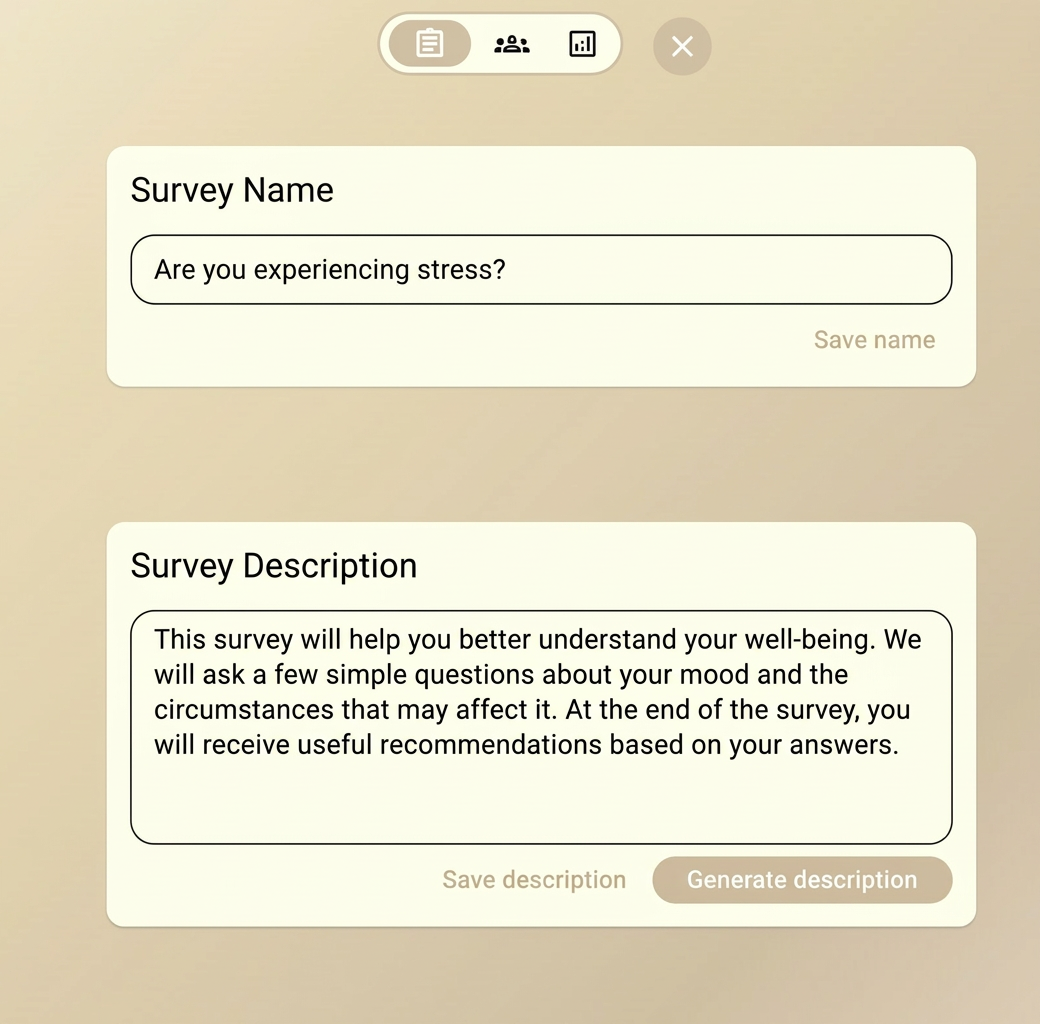
Step 3: Configure AI Settings
This is where Morf's magic happens. Configure how the AI generates questions:
Define Your Objectives
Tell the AI what you want to learn:
Example: "Understand customer satisfaction with our product
and identify areas for improvement"
Set Required Questions
Specify any must-ask questions:
Example:
- "How long have you been using our product?"
- "Would you recommend us to others?"
Choose Communication Style
Select how the AI should communicate:
- Formal — professional, business-like tone
- Friendly — warm, approachable tone
- Casual — relaxed, conversational tone
Step 4: Test Your Form
Always test your form before sharing it with real respondents!
- Click "Preview" to see your form in action
- Complete the form as a test respondent
- Review the generated questions
- Adjust settings if needed
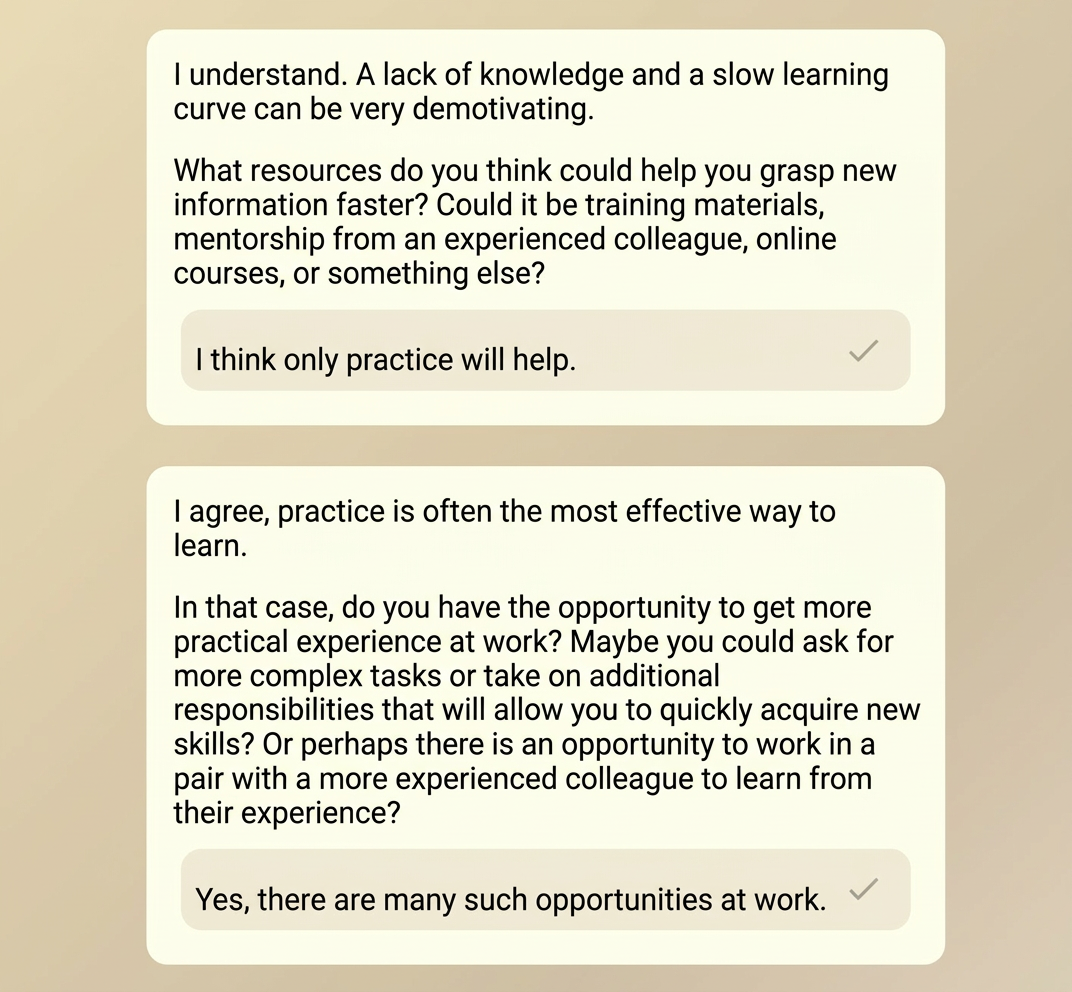
Step 5: Share Your Form
Once you're happy with your form:
- Click "Publish" to make it live
- Copy the share link or embed code
- Distribute to your audience:
- Share the direct link via email or social media
- Embed on your website using the provided code
- Generate a QR code for offline distribution
What's Next?
- Be specific with your objectives — the clearer you are, the better the AI performs
- Start simple — you can always add complexity later
- Test thoroughly — try different response paths to see how the AI adapts
- Iterate — use analytics to improve your forms over time