Getting Started
Dashboard Tour
Explore the Morf dashboard and discover all its features.
Welcome to your Morf dashboard! This guide will help you navigate the platform and discover all the tools available.
Dashboard Overview
When you log in, you'll see the main dashboard with these key areas:
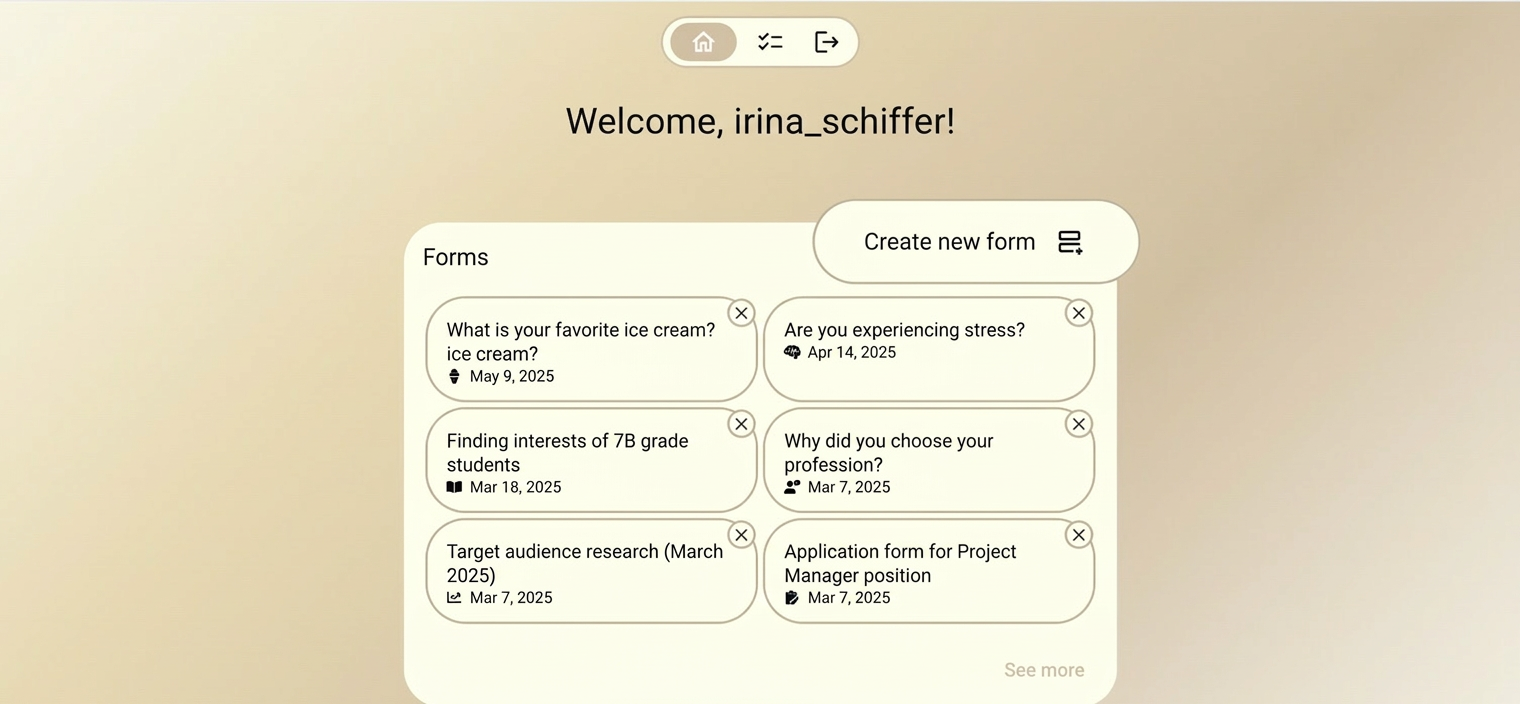
- Quick Stats — total forms, responses, and completion rates
- Recent Activity — latest form submissions and updates
- Quick Actions — create new form, view analytics
My Forms
Manage all your forms in one place:
Form List
Filters & Search
Form Actions
Each form has these available actions:
| Action | Description |
|---|---|
| Edit | Open the form editor |
| Preview | Test the form as a respondent |
| Share | Get link, embed code, or QR |
| Duplicate | Create a copy of the form |
| Analytics | View form-specific analytics |
| Pause/Resume | Temporarily disable responses |
| Delete | Permanently remove the form |
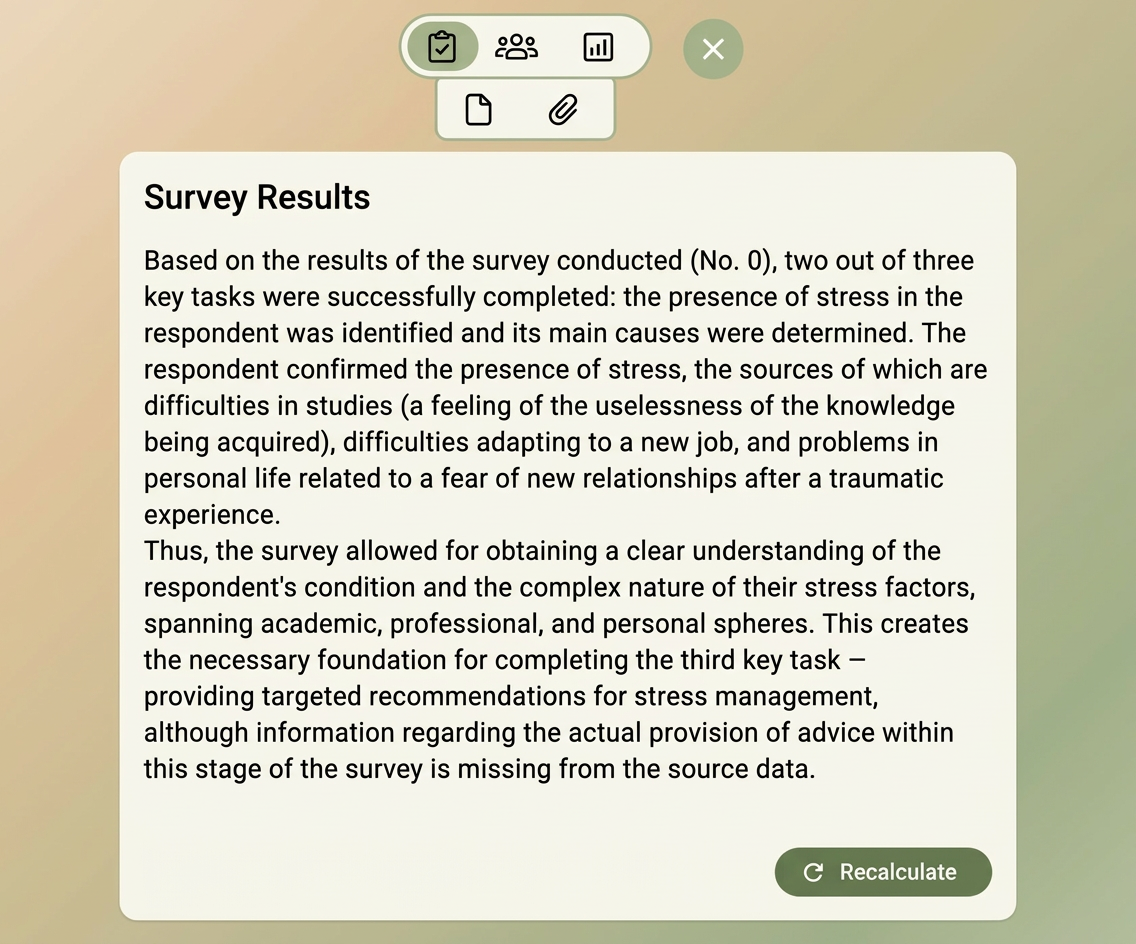
Analytics Dashboard
Overview Metrics
| Metric | Description |
|---|---|
| Total Responses | Number of completed submissions |
| Completion Rate | Percentage who finish the form |
| Avg. Time | Average time to complete |
| Avg. Questions | Average questions per session |
Data Export
Export your data in multiple formats:
- CSV — for spreadsheet analysis
- JSON — for programmatic processing
- PDF — for reports and sharing
Settings
Configure your account and preferences:
- Profile — update your name, email, and avatar
- Notifications — control email and in-app notifications
- API Keys — manage API access for integrations
- Billing — view and manage your subscription